Weekly Scout Updates (Oct 19 to 25)
Campaigns is here: every creator, every email, every stage, in one place. Plus a faster Scout.

Here's the running changelog of what's new in Scout. This week, Scout started running the campaign, not just finding the creators. 👇
What's new this week
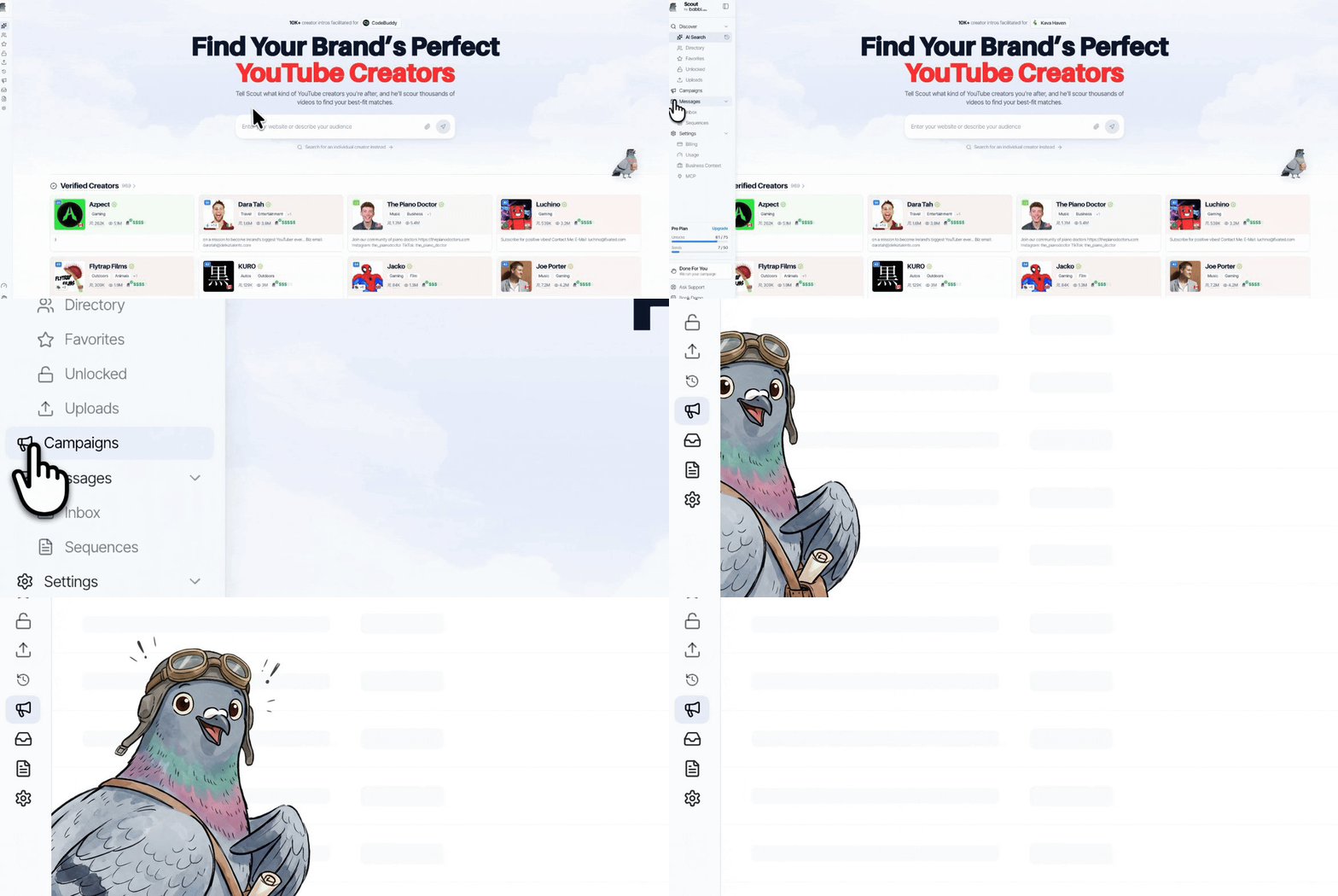
- Campaigns. Any list can be a campaign now. Add creators from AI Search, the Directory, or a list you upload, and watch each one move from Prospect to Contacted, Replied, Signed, Live, and Paid on a pipeline board.
- Email from the campaign. Send Email now starts from a campaign, so every thread, reply, and follow-up lands in that campaign's own Inbox tab.
- A faster Scout. The homepage loads less up front and shows your header and search right away, with the rest filling in behind it.
Introducing Campaigns
Scout finds your creators. Now it runs the campaign too.
Every creator gets a stage, and every stage has a count. Track rates, deliverables, and go-live dates next to each creator, and follow up from the same place you sent the first email.
In case you missed it
- Introducing Campaigns in Scout: how Campaigns works, from adding creators to tracking every stage.
- Weekly Scout Updates (Oct 11 to 18): credits retired, search rebuilt, and the new Scout Score.
More Soon
Got a campaign you're sourcing for? Drop the brand in a reply and we'll kick off the search for you.
Cheers,
Sam
Frequently Asked Questions
What is Campaigns in Scout?
Any list in Scout can be a campaign now. Add creators from AI Search, the Directory, or a list you upload, and track each one from Prospect to Contacted, Replied, Signed, Live, and Paid on a pipeline board, with rates, deliverables, and go-live dates next to each creator.
Where do I send creator emails from now?
From a campaign. Send Email now starts from a campaign, so every thread, reply, and follow-up lands in that campaign's own Inbox tab.
What else changed in Scout this week?
The homepage loads less up front and shows your header and search right away, with the rest filling in behind it.